
These seven pages take you from a computer with nothing installed to a first broadcast that works. Read them once, from start to finish, because each page builds on the one before it. The later parts of the manual are reference material, which you consult when you need to look something up.
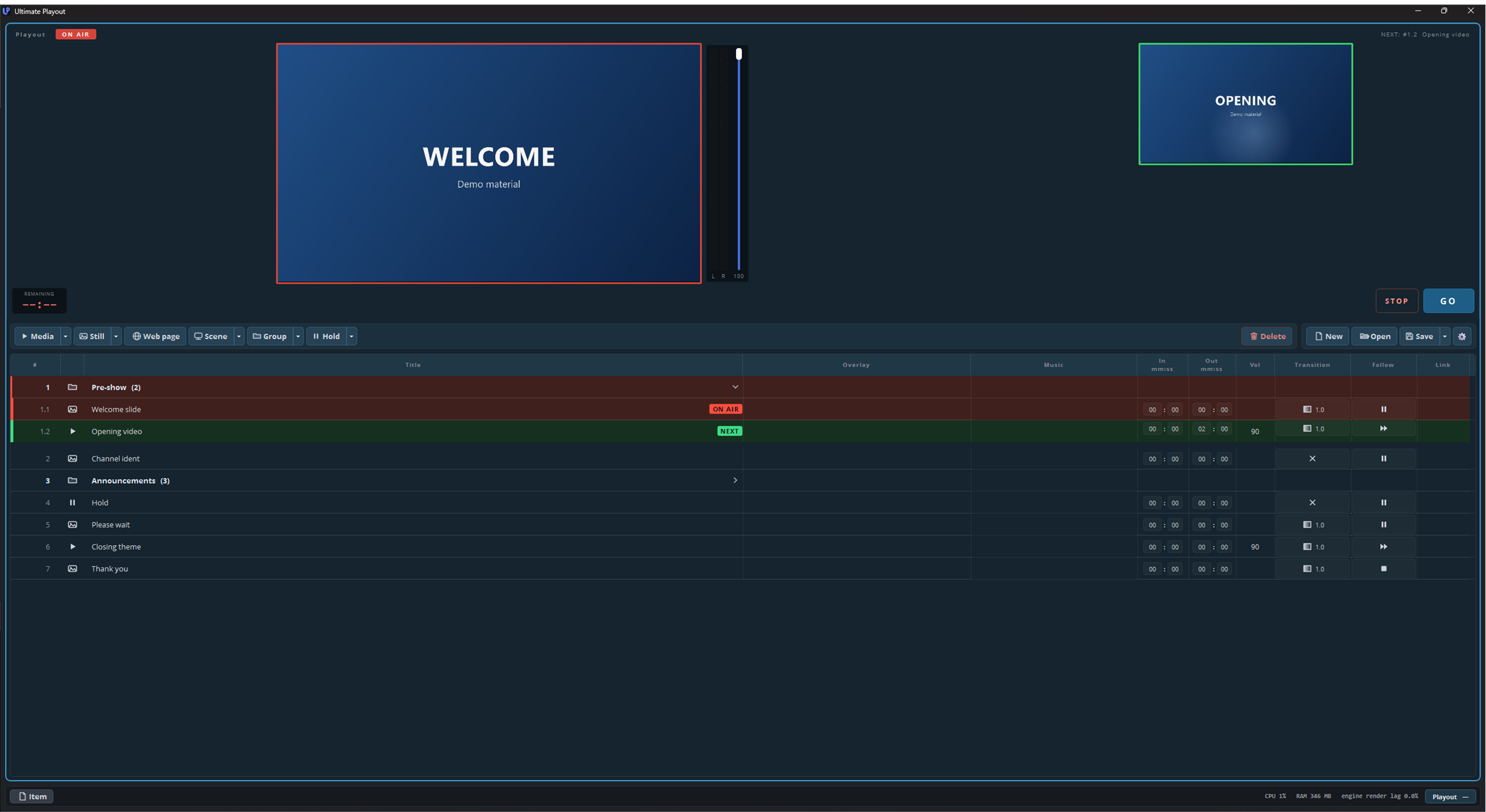
The pages follow the order in which you will need them:
| Page | What it covers |
|---|---|
| What is Ultimate Playout | What the program does, and how it differs from live switching. Start here if you have only used switching software. |
| Key concepts | Cue, playout and module, the three words used throughout the manual, and the other terms you see on screen. |
| Installing | What the setup does, what it asks and what it puts on disk, and what happens to an OBS Studio that you already have. |
| The first start | The loading screen, the folders in Documents, how to choose your language, and what the program remembers between sessions. |
| A tour of the window | The name of every part of the screen. Return to this page when a later page mentions a name such as “the transport bar”. |
| Your first cue list | How to build a working list: add your files, put them in order and save the list. |
| Going live | How to arm a cue and press GO, how to read the colours during the show, and which keys you can use. |
What this part does not cover
This part does not describe what modules add. Each module has its own part of the manual, so if your window has a button that is not described here, that button belongs to a module.
This part does not go into detail either. It shows the shortest route to a working show, and the later parts cover each subject in full: the cue list in part 2, the cue types in part 3, the outputs in part 5, and so on. Where this part tells you to leave a setting unchanged for now, the later part explains what the setting does.