
A linked folder is a part of the cue list that follows a folder on disk. Every file in the folder becomes a cue and every subfolder becomes a group, and the program keeps the part up to date while it runs. You change the part by changing the folder, so the order, the names and the content all come from the files.
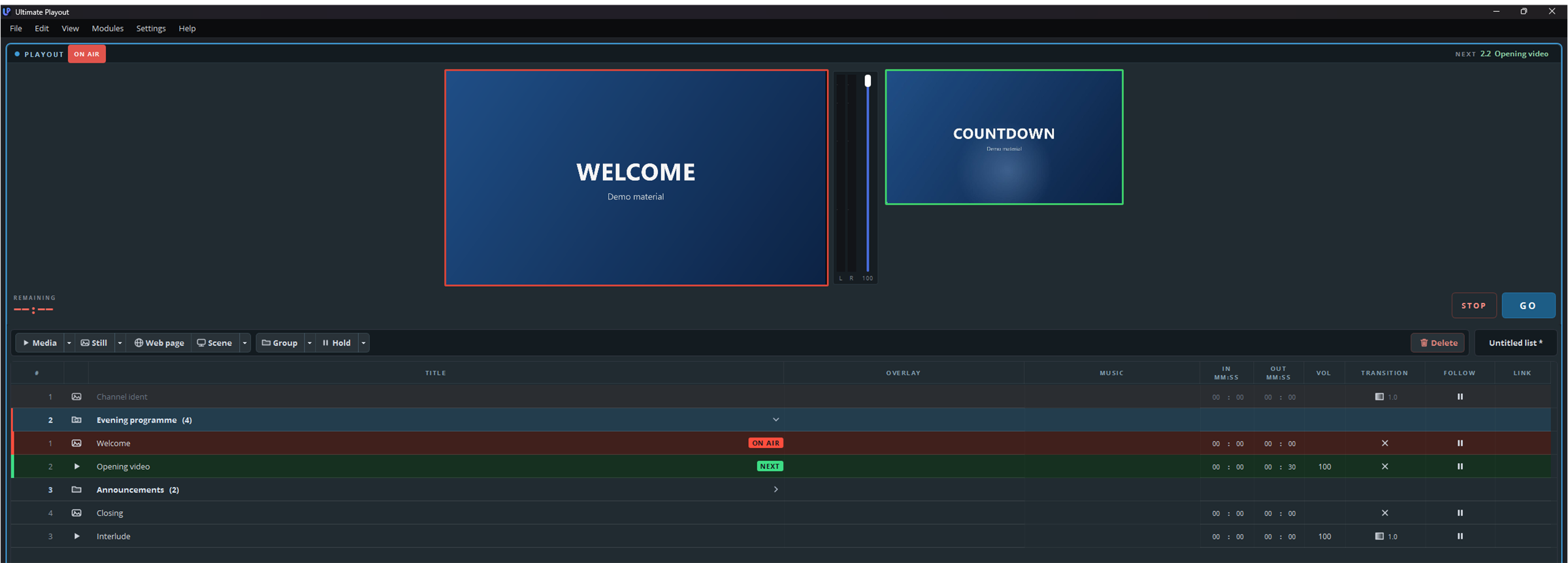
From folder to list
| In the folder | In the cue list |
|---|---|
| The folder itself | A part, with the name of the folder |
| A video or sound file | A media cue |
| A picture | A still cue |
An internet shortcut (.url) | A web page cue |
| A subfolder | A group |
| A folder inside a subfolder | A subgroup |
_settings.playoutfolder | Nothing. This file holds the settings of the folder |
The list stops at subgroups, because a subgroup cannot hold another group. The program ignores a folder that lies deeper and writes a line about it in the log.
Files of other types do not appear in the list. The same applies to hidden files and to files that the system places in a folder by itself, such as Thumbs.db and desktop.ini.
The order
The cues follow the names of the files, in the same order as File Explorer. A number sorts as a number, so 2 comes before 10 and you do not need to write 02. Files and folders are sorted together, so a subfolder appears at the place that its name gives it and not above the files.
To set the order yourself, put a number in front of each name. The program leaves that number out of the list.
| Name in the folder | Name in the list |
|---|---|
1. Welcome.png | Welcome |
2 - Opening video.mp4 | Opening video |
3_Announcements | Announcements |
2024 Review.mp4 | 2024 Review |
A number counts as an order number only when a full stop, a hyphen, an underscore or a closing bracket follows it. That is why the last name in the table keeps its year. The extension of a file never appears in the list.
Changes while the program runs
The program looks at the folder every second, so a change appears in the list a moment after you make it.
| In the folder | In the cue list |
|---|---|
| You add a file | A cue appears at the place of the file |
| You delete a file | Its cue disappears |
| You change the number in front of a name | The cue moves to its new place |
| You change the rest of a name | The old cue disappears and a new cue appears |
| You replace a file with a new version under the same name | The cue stays and loads the new version |
What you set on a cue stays as long as the file keeps its name. The program recognises a cue by the name of its file without the number. The volume, the in and out points and the transition of a cue therefore survive a change of order, but a cue whose name changes starts again with the default settings.
A file that is still being copied appears only when it is complete. A large video can take a while to copy, and a cue that holds half a video would fail when it goes on air.
The cue on air stays. If you delete the file of the cue that is on air, the cue stays at the end of the part until another cue goes on air, and then disappears.
The folder decides
The order and the content of the part come from the folder. If you drag a cue to another place in the part, delete a cue, or add one to the part, the program puts the part back as the folder says. A cue that you drag out of the part goes back into it as well. To change the part, change the folder.
In the list you change everything that does not concern the order: the volume, the in and out points, the transition and the follow action of a cue, and the settings of a group. The program stores the settings of a group in the folder itself; see The settings of a folder.