
The Performance page contains the settings that belong to the computer rather than to a cue list. Both settings decide how the program uses the graphics card. They stay on this computer when you send a list to another computer, and both take effect after a restart. Open the page with Settings → Performance… in the menu bar.
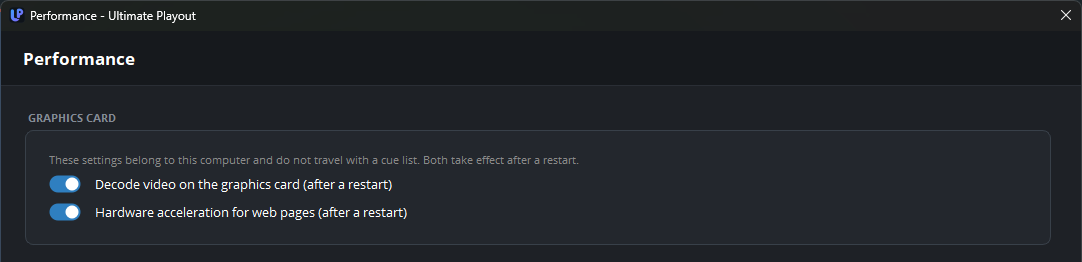
Graphics card
| Setting | What it does |
|---|---|
| Decode video on the graphics card (after a restart) | When on, the graphics card decodes every video, unless a cue says otherwise. When off, the processor decodes every video on this computer, whatever a cue says. |
| Hardware acceleration for web pages (after a restart) | Lets the built-in browser use the graphics card for web pages, YouTube and graphics. |
Leave both settings on. The graphics card does this work with less effort than the processor, so the program has more room for the rest of the show.
Switch off decoding on the graphics card on a computer whose card gives green or torn pictures. You then do not have to clear Decode on the graphics card on every cue of a list that was made on another computer. A single file that gives a green picture is better solved on its cue; see the media cue.
Switch off hardware acceleration for web pages only when the program closes while a web page or a YouTube cue loads. Without acceleration, moving pictures can stutter. After such a crash the program switches the setting off by itself at the next start, so you seldom need to do this yourself.